Multi-Currency Support

Sell and buy in any currency. Set your exchange rates, designate a primary currency, and let EasyJewelry handle the rest across every transaction.

Jewelry is a global trade. Gold prices are denominated in US dollars. Buyers and sellers operate across borders. Vendors invoice in their local currency. Customers pay in whatever they carry. For a jewelry business operating in the real world, single-currency software is a daily frustration. EasyJewelry's multi-currency system lets you add as many currencies as your business needs, set the exchange rate for each one, designate a primary currency, and transact freely across all of them.

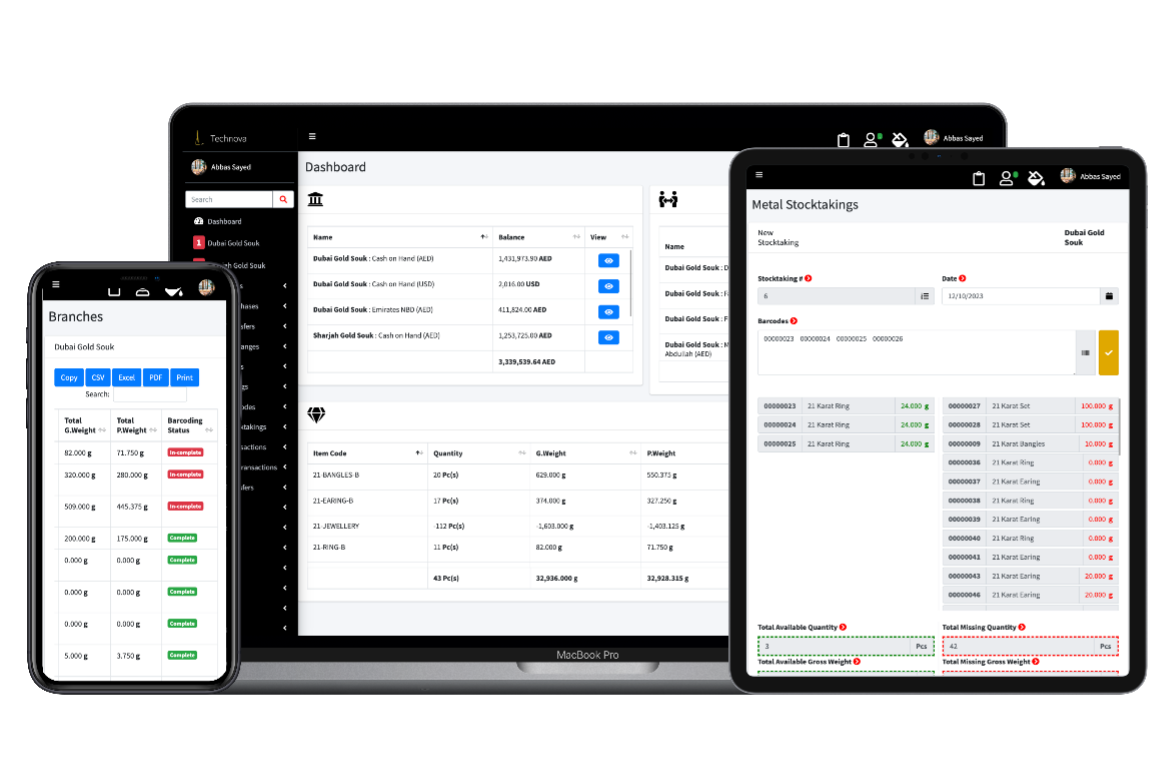
From the screenshot above you can see how simple the setup is. You add a currency by its abbreviation, set the exchange rate against your primary currency, and save. The currency is immediately available across your entire system — in invoices, purchase bills, loan records, layaway plans, and financial reports. The primary currency flag means all your reporting and balances are consolidated in one base currency regardless of what currency individual transactions were made in.

How multi-currency works in EasyJewelry

The currency system is designed to be simple to manage and powerful in practice.

01

Add your currencies

Enter the currency abbreviation such as USD, GBP, AED, or SAR and set the exchange rate against your primary currency. Add as many currencies as your business trades in.

02

Set your primary currency

One currency is designated as primary. This is the base currency your reports, balances, and financial summaries are calculated in. All other currencies are converted against it.

03

Transact in any currency

Once currencies are set up, every transaction in EasyJewelry can be made in any of your configured currencies. Invoices, purchases, loans, layaways, and payments all support multi-currency.

Why multi-currency matters for jewelry businesses

The jewelry trade has always been international. Gold is priced in US dollars on world markets. A jewelry store in the UAE might buy from a manufacturer in India, sell to a customer from Europe, and receive payment in three different currencies in the same day. A wholesale trader might invoice domestic clients in AED while issuing export invoices in USD.

Without multi-currency support, businesses are forced to do mental conversions, maintain separate records for different currencies, or accept inaccuracies in their financial reporting. All of these approaches create risk. Exchange rate errors accumulate over time. Balances become unreliable. Reconciliation at month end becomes a significant manual exercise.

EasyJewelry solves this by letting you manage exchange rates centrally and apply them consistently across every transaction. When the rate changes, you update it in one place and it flows through to all new transactions automatically. Your primary currency reports always reflect accurate converted values.

Who benefits most

Jewelry Retailers in Tourist Areas

Serve international customers in their own currency. Issue invoices in USD, EUR, or GBP without manual conversion or separate records.

Gold and Silver Wholesalers

Buy raw metal priced in USD while invoicing domestic trade customers in local currency. Both are tracked accurately in EasyJewelry.

Jewelry Exporters

Issue export invoices in the buyer currency while keeping your books in your home currency. Exchange rates are applied consistently to every transaction.

Multi-Country Operations

If your business operates across countries with different currencies, each branch can transact in the local currency while reporting rolls up to a single primary currency.

What is included

Add unlimited currencies
Set exchange rate per currency
Designate a primary currency
Multi-currency sales invoices
Multi-currency purchase bills
Multi-currency loan records
Multi-currency layaway plans
Multi-currency payment recording
Consolidated reports in primary currency
Update exchange rates at any time
Export currency data to CSV, Excel and PDF
Currency abbreviation support for all major currencies

Common questions

How many currencies can I add?

There is no limit. You can add as many currencies as your business trades in.

Can I change exchange rates after they are set?

Yes. You can update the exchange rate for any currency at any time. The updated rate applies to all new transactions going forward.

What is the primary currency used for?

The primary currency is the base currency for your financial reports and consolidated balances. All other currencies are converted to the primary currency for reporting purposes.

Can I issue invoices in a currency different from my primary currency?

Yes. Every invoice, purchase bill, loan, and layaway can be created in any currency you have configured. The system records the transaction in that currency and converts it to primary currency for reporting.

Does multi-currency work across all branches?

Yes. Currencies are configured at the account level and are available across all your branches. Each branch can transact in any configured currency.

Trade in any currency your business needs

The jewelry trade does not stop at borders and neither should your software. EasyJewelry's multi-currency support means you can serve international customers, trade with overseas suppliers, and run operations across multiple countries without any of the complexity that usually comes with it. Add your currencies, set your rates, and trade freely.